Smart Adult Toy Privacy: Safety Guide
A calm privacy and setup guide for smart, app-controlled, and connected adult toys, covering permissions, Bluetooth range, account safety, updates, partner consent, and checkout red flags.
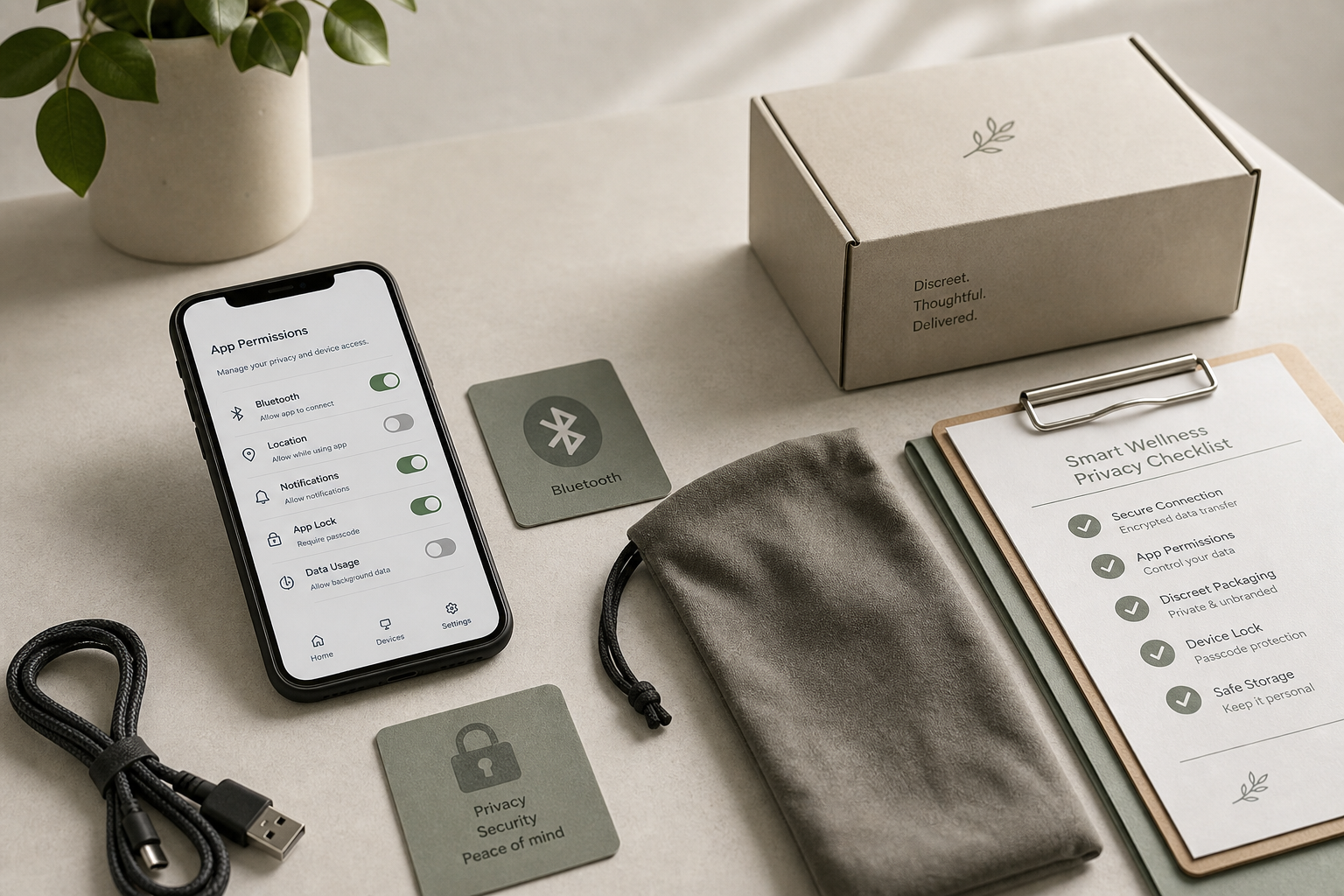
Quick Answer
Smart adult toys are connected devices, so judge them by privacy and security basics as well as comfort. Check the official app, permissions, Bluetooth or remote setup, account controls, firmware updates, privacy policy, and support contact before checkout. Avoid unknown app downloads, vague data claims, and products that require unnecessary permissions.
Why “malware” searches belong in a privacy checklist
The keyword adult toys being used as malware sounds dramatic, but the practical concern is real: any connected device can create risk if the app, account, Bluetooth pairing, charging cable, or data policy is sloppy. A calm buyer guide should not scare shoppers. It should translate the concern into steps ordinary adults can take before buying and before pairing a device.
FTC personal data guidance is a useful starting point: limit what you share, use strong passwords, and understand how a company handles information. For adult wellness products, the privacy stakes feel higher because the product category is sensitive. That is exactly why the listing should be specific and respectful.
App source, permissions, and account setup
Install only the official app named by the seller or manufacturer. Avoid QR codes from random marketplace comments, shortened links, or files that ask you to sideload an app outside normal app stores. Before creating an account, read the privacy policy and check whether the app explains what data it collects, why it collects it, and how to delete your account.
Permission requests should match the feature. Bluetooth access may be necessary. Notifications may be optional. Precise location, contacts, microphone, camera, or photos should make you pause unless the feature clearly requires them. Use a strong unique password. NIST digital identity guidance supports long, unique passwords and avoiding reuse across services.
Bluetooth, remote control, and long-distance use
Bluetooth products normally work at shorter range, but short range is not the same as no risk. Pair in a private place, remove old devices from your phone, and do not leave a toy discoverable longer than necessary. If a product supports long-distance control, confirm how invitations work, whether sessions expire, and how you can revoke access.
Consent matters as much as technology. Remote control should be invited, revocable, and easy to stop. A trustworthy app makes boundaries obvious. If the app hides disconnect controls or makes partner access confusing, choose a simpler product.
Updates, charging, and cable hygiene
Connected products need updates. Look for firmware or app-update language, support contact, and a clear troubleshooting path. A product with no update story may still function, but it gives you less confidence when a privacy bug appears.
USB charging also deserves common sense. Use the cable supplied by the seller or a trusted replacement, avoid unknown public charging stations, and inspect ports for moisture or damage before charging. Keep charging contacts dry unless the product instructions say otherwise. Do not use a charging cable that looks frayed, sticky, corroded, or modified.
Data sharing, billing, and household privacy
Read the privacy policy for account data, analytics, crash reports, location, partner features, and deletion. A good policy does not have to be perfect legal poetry, but it should be findable and understandable. FTC online shopping guidance also applies: check shipping, billing, returns, and support before paying.
Household privacy includes notifications and storage. Turn off lock-screen previews if they could reveal app names. Use a neutral storage pouch. Decide whether shared devices, shared cloud photo libraries, or family app-store accounts create awkward exposure. Privacy is not shame; it is practical control over sensitive information.
Red Flags / when to slow down before checkout
Pause if the listing does not name the app, explain permissions, show a privacy policy, provide support, or describe update and pairing steps. Slow down if reviews mention forced sideloading, strange pop-ups, account lockouts, unexpected location access, or partner controls that are hard to revoke.
Avoid products that promise anonymous remote play but require excessive personal data. Be careful with unknown QR codes, unofficial APK files, fake support accounts, and marketplace sellers that cannot answer basic app questions.
Smart toy privacy checklist
| Check | Better sign | Caution sign |
|---|---|---|
| App source | Official app is named clearly | Unknown QR or sideload link only |
| Permissions | Bluetooth request matches feature | Contacts, photos, or microphone without reason |
| Account | Unique password and deletion path | No privacy or account controls |
| Remote control | Easy invite, pause, and revoke tools | Confusing partner access |
FAQ
Can app-controlled adult toys be hacked?
Any connected device can carry privacy or security risk. Reduce risk by using reputable apps, updating firmware, limiting permissions, using strong passwords, and avoiding unknown download links.
What permissions should a smart adult toy app need?
It may need Bluetooth and sometimes notifications. Be cautious if it asks for contacts, microphone, photos, precise location, or permissions that do not match the feature you are using.
Is Bluetooth safer than Wi-Fi for adult toys?
Bluetooth usually has shorter range, but it still needs careful pairing and updates. Do not pair in public places, remove old devices, and use the official app only.
Should I make a separate account?
A separate email and a strong unique password can reduce exposure. If the app supports two-factor authentication, turn it on.
What is the biggest checkout red flag?
The biggest red flag is a connected product with no app name, privacy policy, update path, support contact, or explanation of what data is collected.
References and useful sources
Shop and learn next
Useful product or support links:
Related ShopLovaNest guides: